Claude Opus 5.5 writes like a person. Test it on your emails
Anthropic says Claude Opus 5.5 cuts the jargon and puts the point first. Here's what changed, and a copy-paste prompt to turn stiff emails into plain English.
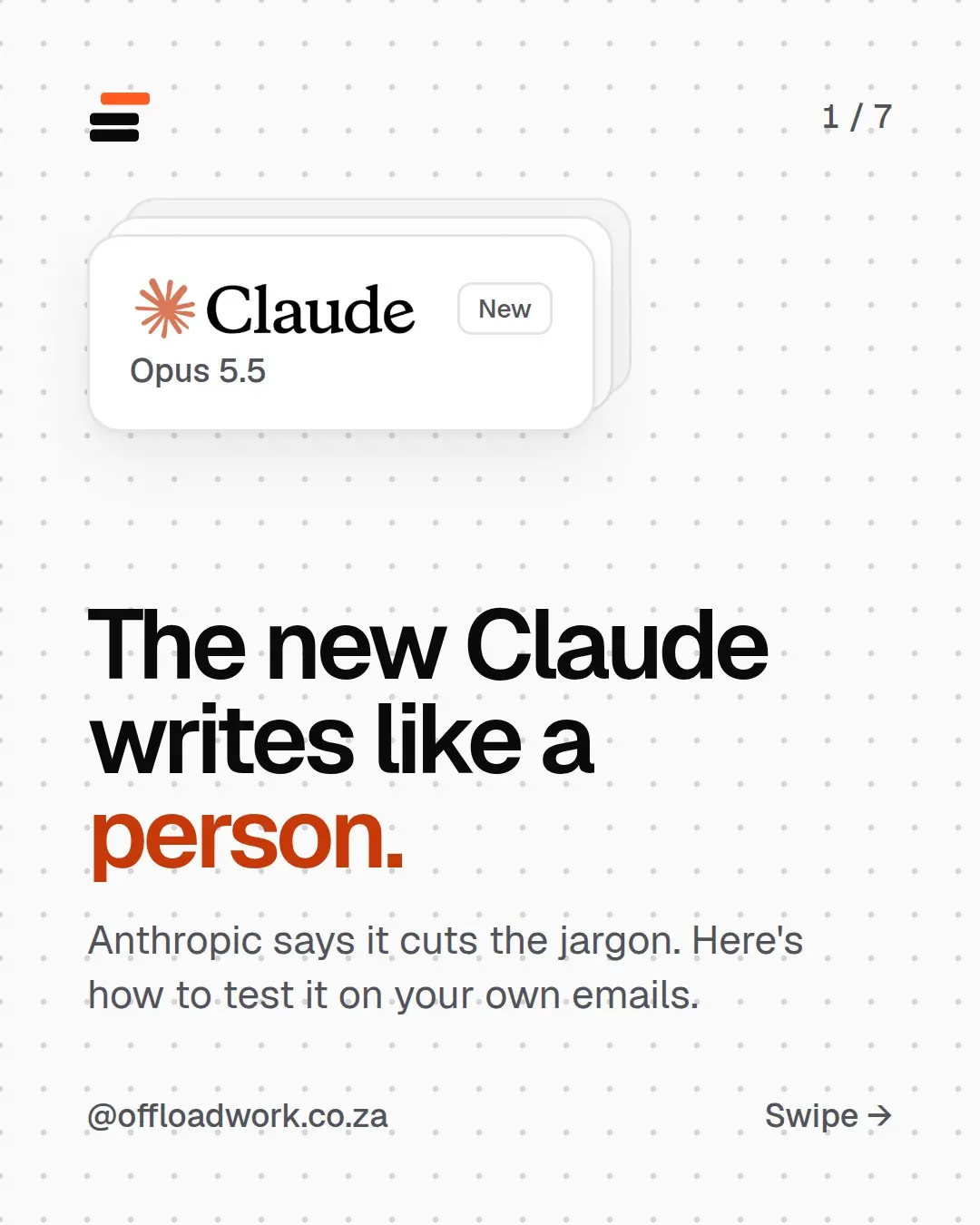
Claude Opus 5.5, released on 22 September, is Anthropic’s newest model, and the change you’ll notice is how it writes. Anthropic says it uses less jargon and puts the important point first, and it’s faster and cheaper to run. The quickest way to see the difference is to hand it one stiff email from your inbox and ask for plain English.
What Anthropic says changed
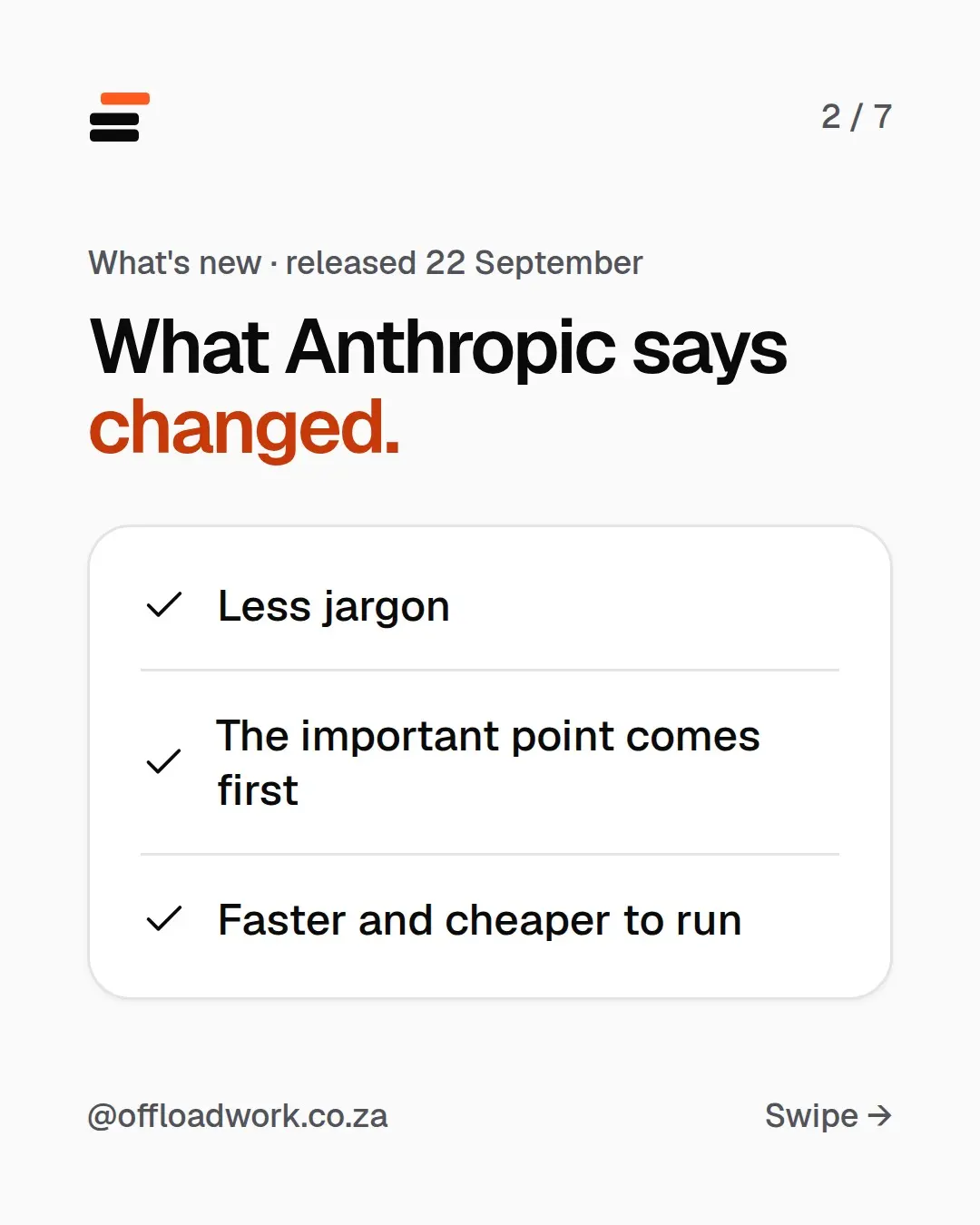
In Anthropic’s announcement, three things stand out, in plain words:
- Less jargon. Fewer “please be advised” and “going forward” phrases, more normal sentences.
- The important point comes first. The reader gets the news in the first line, not the fourth.
- Faster and cheaper to run. Anthropic says it writes more than 30% faster than Opus 5, the model before it. You’ll feel that on long documents.
The first two matter most if your job involves writing to people: clients, your manager, a team, parents at a school. AI writing has had a reputation for sounding like a corporate brochure. This release goes straight at that.
Step 1: find a stiff email
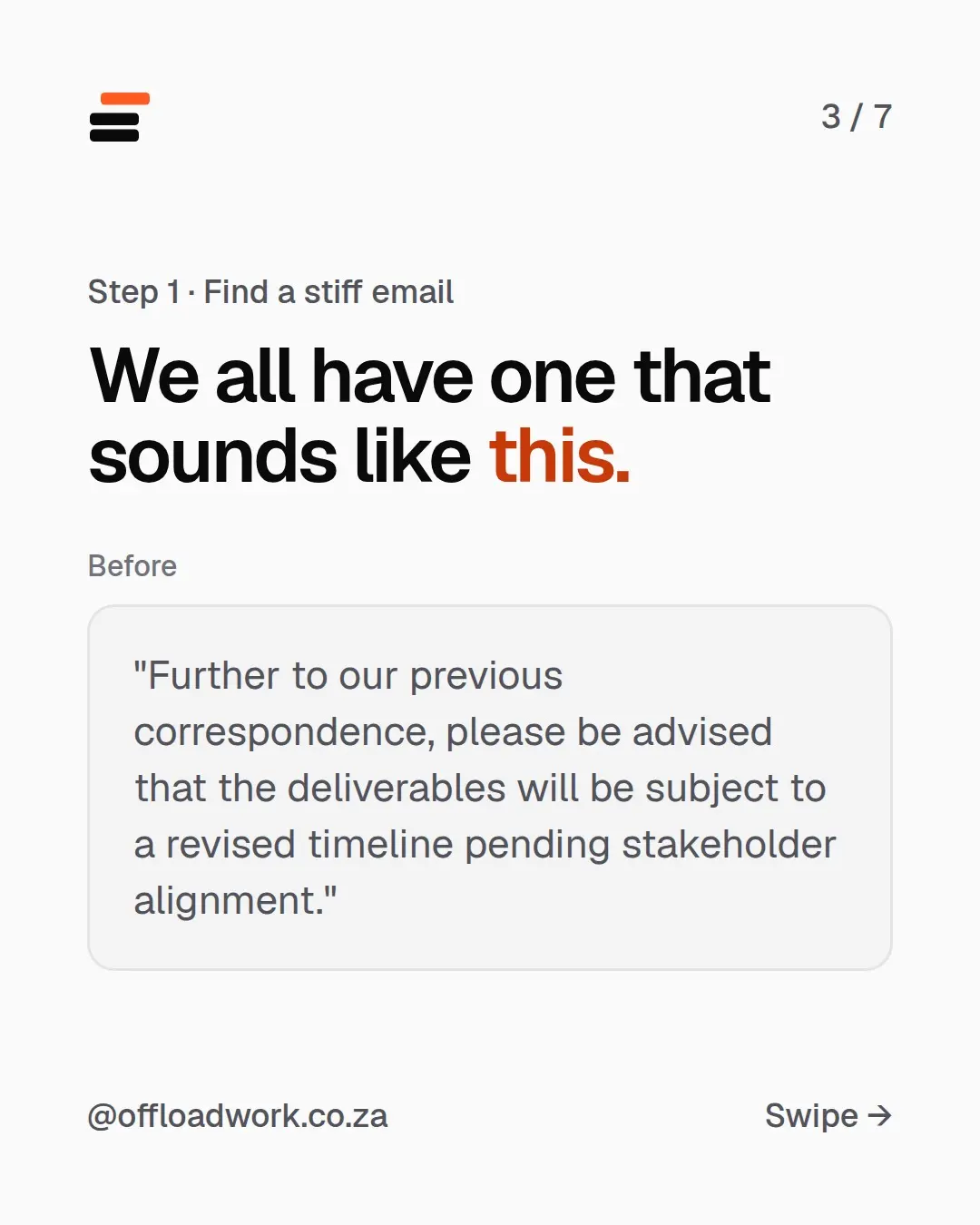
We all have one. It sounds like this:
“Further to our previous correspondence, please be advised that the deliverables will be subject to a revised timeline pending stakeholder alignment.”
It’s polite and it’s clear to the person who wrote it. Everyone else reads it twice and still isn’t sure what’s happening. Look in your sent folder, a policy document or the last announcement from head office. Anything that took you two reads is perfect.
Step 2: paste it in with this
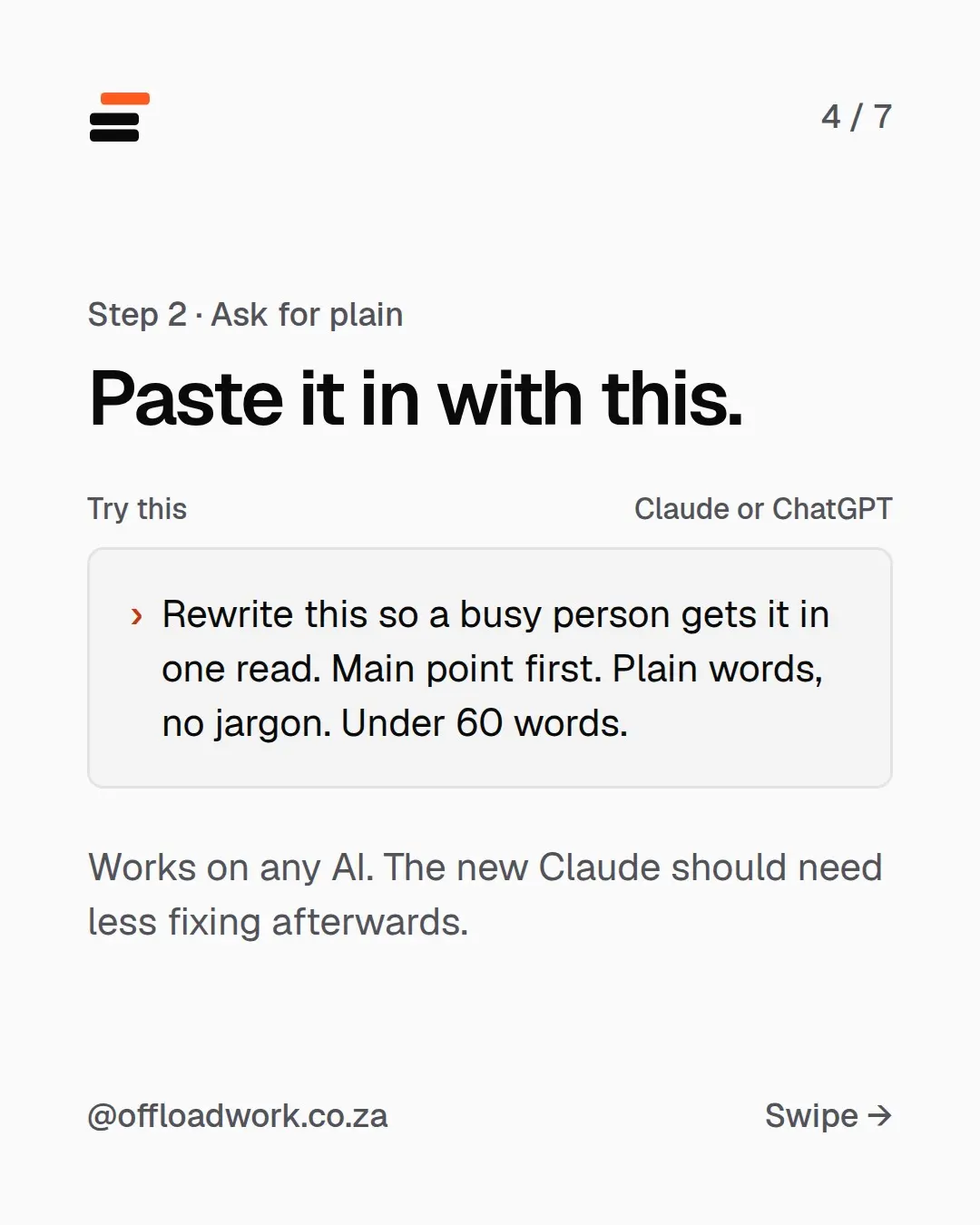
Rewrite this so a busy person gets it in one read. Main point first. Plain words, no jargon. Under 60 words.
Paste your text underneath and send. This works on any AI: Claude, ChatGPT or Gemini. The new Claude should just need less fixing afterwards.
Why each part is there:
- “A busy person” tells it who’s reading, so it cuts the padding.
- “Main point first” stops it warming up for three sentences.
- “Plain words, no jargon” is the whole brief in four words.
- “Under 60 words” forces choices. Without a length, AI usually guesses too long.
That’s the same idea behind writing better prompts: say who it’s for, what you want back and how long.
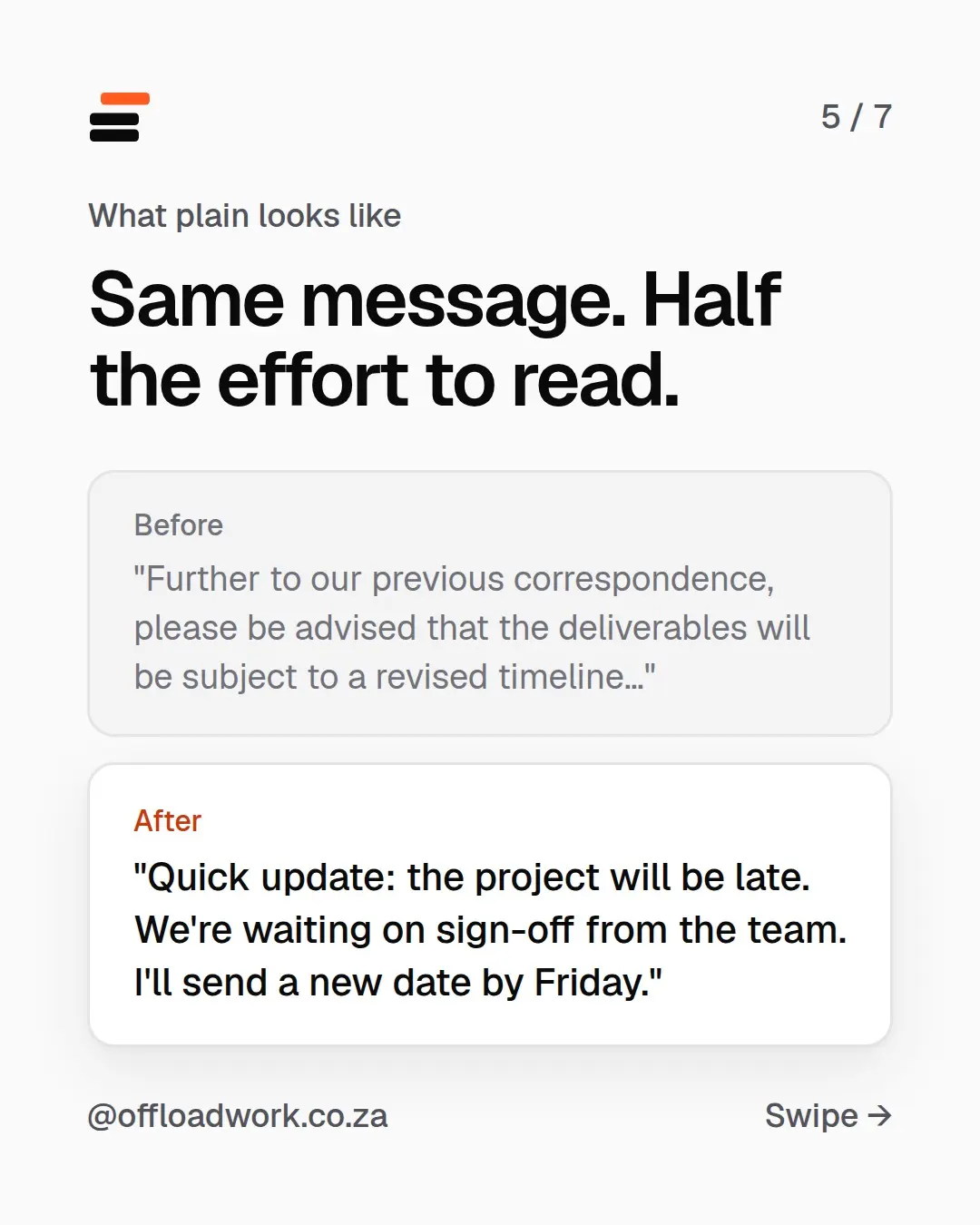
What plain looks like: same message, half the effort to read
Before: “Further to our previous correspondence, please be advised that the deliverables will be subject to a revised timeline pending stakeholder alignment.”
After: “Quick update: the project will be late. We’re waiting on sign-off from the team. I’ll send a new date by Friday.”
The “after” has news, a reason and a next step. It’s what the writer meant all along.
Get one AI update like this, explained, every week. Join The Offload: one update, one workflow and one prompt, for people with real jobs.
Make it your default, so you never paste the prompt again
If you like the plain style, don’t retype the prompt every time. Put it in your settings once:
- In Claude, open Settings → Profile → Personal preferences. In ChatGPT, it’s Settings → Personalisation → Custom instructions.
- Add a line like: “Write in plain South African English. Main point first. Keep it short unless I ask for more.”
- Save, and start a new chat.
Every chat after that writes your way. The full walkthrough, with a fill-in-the-brackets template, is in make ChatGPT and Claude remember who you are.
More ways to use it this week
Plain rewriting is the start. Once Claude writes like a person, these become worth handing over:
- Replies you’ve been avoiding. “Help me say no to this, nicely, and suggest next week instead.” There are five more prompts like this you can copy today.
- Meeting prep and email drafts from your own inbox. Connect Gmail and Google Calendar and it drafts replies for you to check. Here’s how to set it up.
- A second opinion on long documents. Attach a PDF and ask for the five points that matter and what you need to do.
Wondering how the new Claude stacks up against ChatGPT? A tech site gave both the same five everyday tasks. Claude won four.
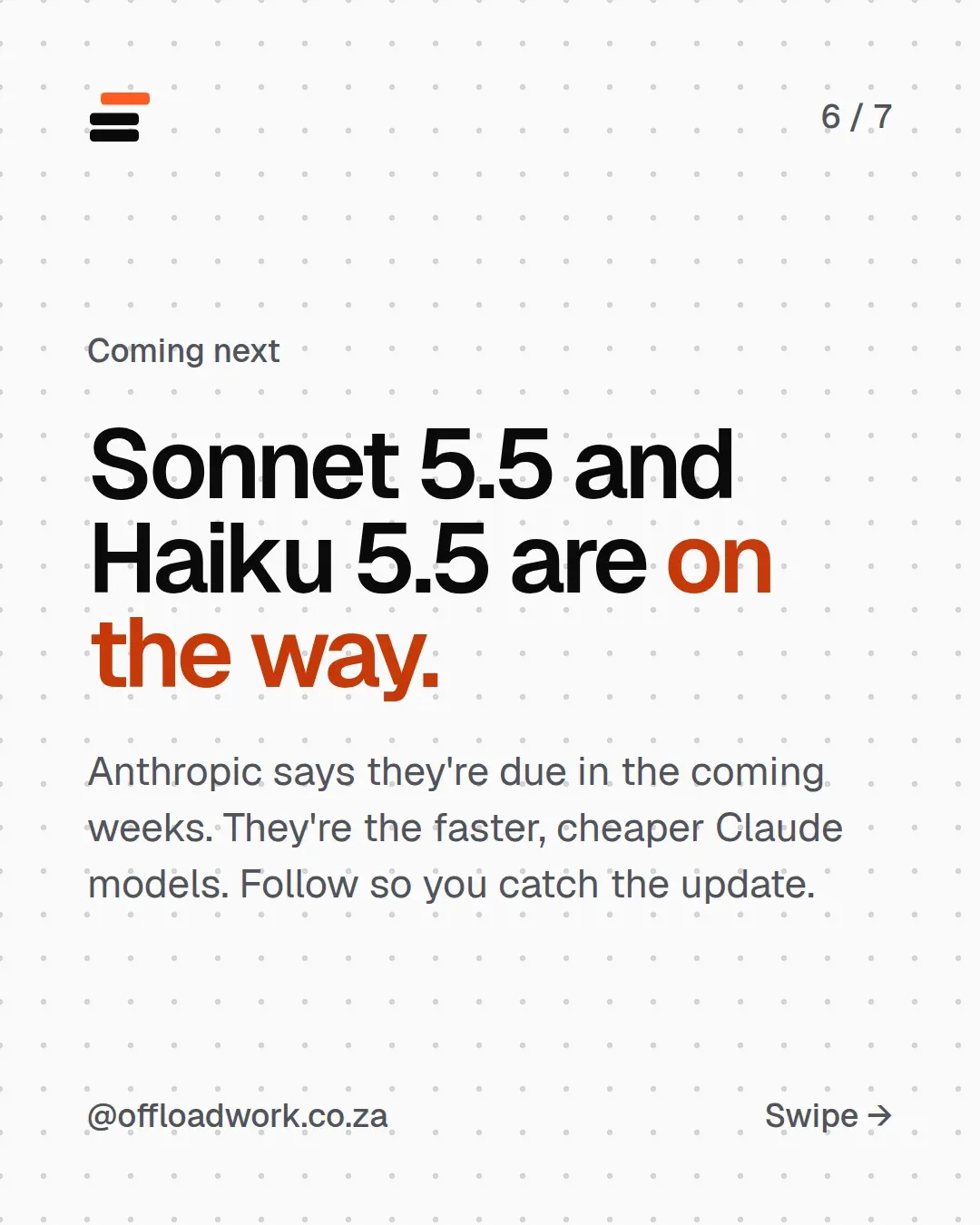
Coming next: Sonnet 5.5 and Haiku 5.5
Anthropic says the faster, cheaper Claude models are due in the coming weeks. We’ll explain what they mean for everyday work, without the benchmarks, in the newsletter when they land. More releases translated into plain English are in AI news, translated.
Better answers start with better instructions. The free AI guide shows you how to set up Claude or ChatGPT for your job, step by step.
Questions
When was Claude Opus 5.5 released?
On 22 September 2026. Anthropic says it uses less jargon, puts the important point first, and is faster and cheaper to run than the model before it.
Does the plain-English prompt only work in Claude?
No. It works in ChatGPT, Gemini and any other AI chat. The new Claude should just need less fixing afterwards.
What are Sonnet 5.5 and Haiku 5.5?
The faster, cheaper Claude models. Anthropic says they're due in the coming weeks. We'll cover what they mean for normal work in the newsletter when they land.
Should I let AI send emails for me?
No. Let it draft, then read it and send it yourself. You know the client, the history and the tone. It doesn't.