GPT-6 is out: what changes for normal people at work
Skip the benchmarks. GPT-6 in ChatGPT clicks around the web for you, follows your slide and spreadsheet templates, and asks before it guesses. Should you upgrade?
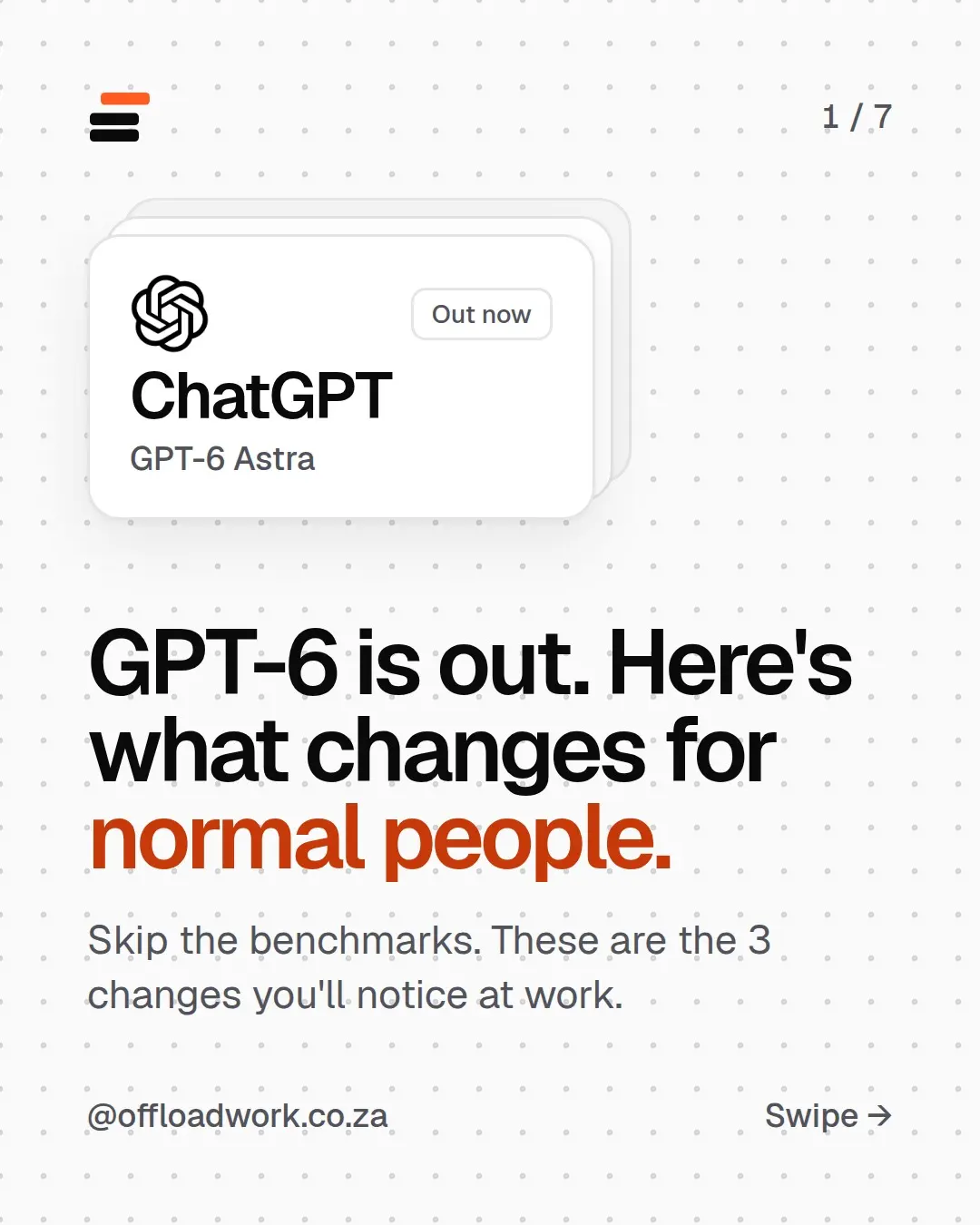
GPT-6 is OpenAI’s newest model in ChatGPT, and for people who work at a desk it changes three things. It’s much better at click-around-the-internet jobs, it builds slides and spreadsheets that follow your template, and it asks you questions when a request is unclear. Whether it’s worth paying for depends on one thing: whether you’ll use it every week.
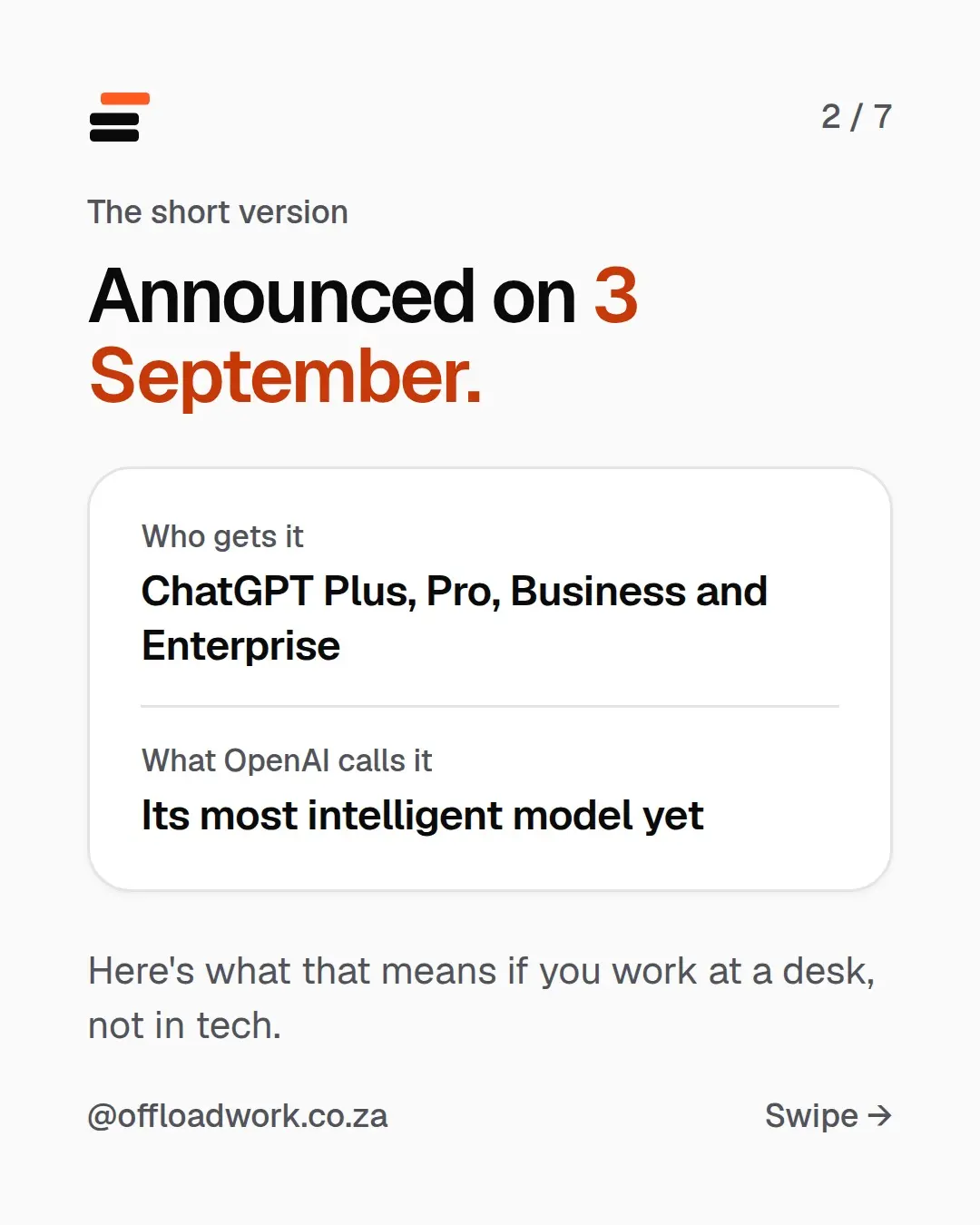
The short version
- Announced: 3 September 2026
- Who gets it: ChatGPT Plus, Pro, Business and Enterprise
- What OpenAI calls it: its most intelligent model yet (the announcement)
Most coverage talks benchmarks: test scores most of us will never think about again. Here’s what it means if you work at a desk, not in tech.
Change 1: it does the clicking
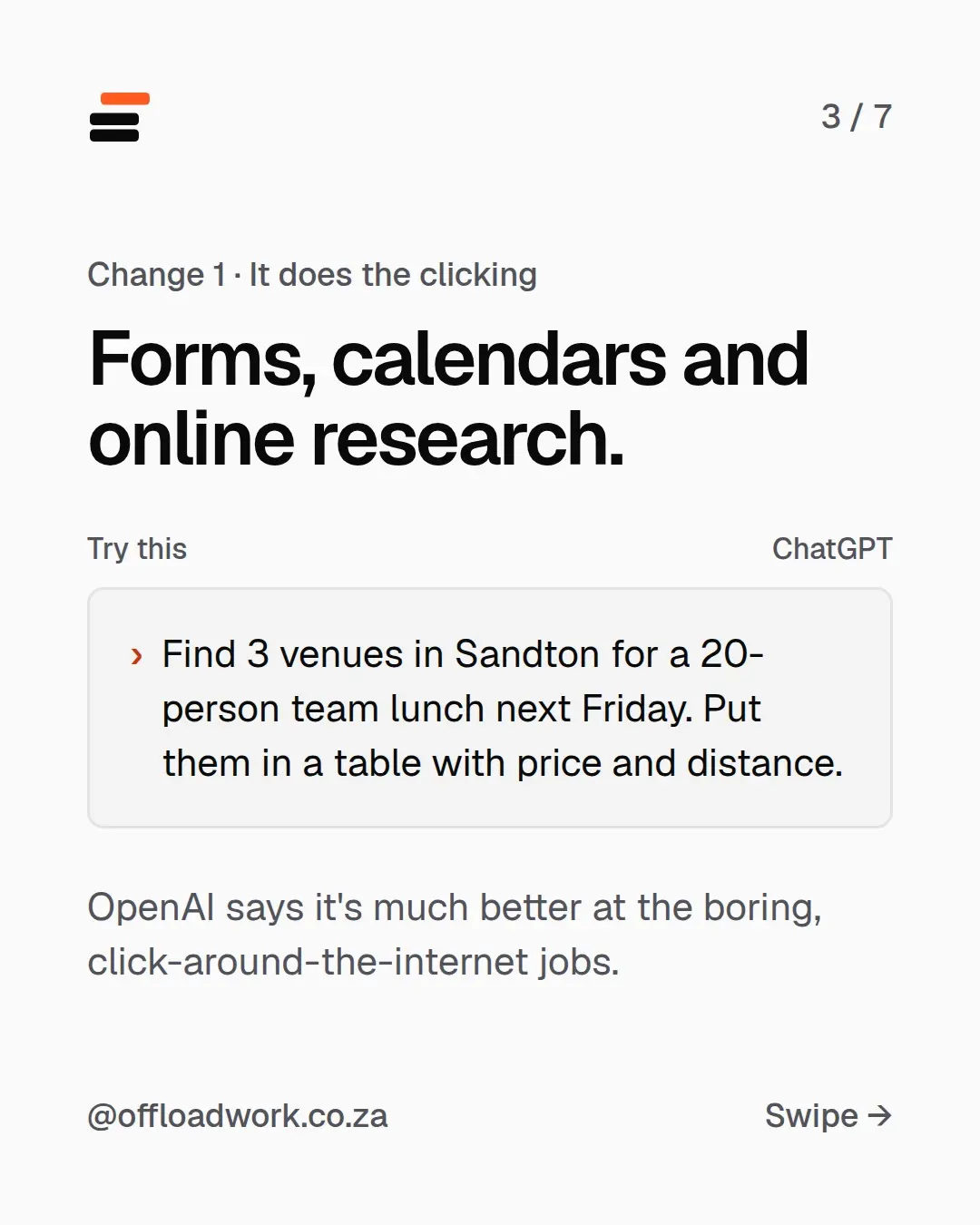
Forms, calendars and online research. OpenAI says GPT-6 is much better at the boring, click-around-the-internet jobs: comparing options across websites, pulling details into one place, filling in the tedious bits.
Try this in ChatGPT:
Find 3 venues in Sandton for a 20-person team lunch next Friday. Put them in a table with price and distance.
Change the suburb, the headcount and what goes in the table. The pattern is always the same: what you need, the limits, and the format you want back. A table makes it easy to compare and forward to someone else.
One rule: check anything before it’s booked, submitted or paid for. It does the legwork. You make the decision.
Change 2: slides and spreadsheets that follow your template
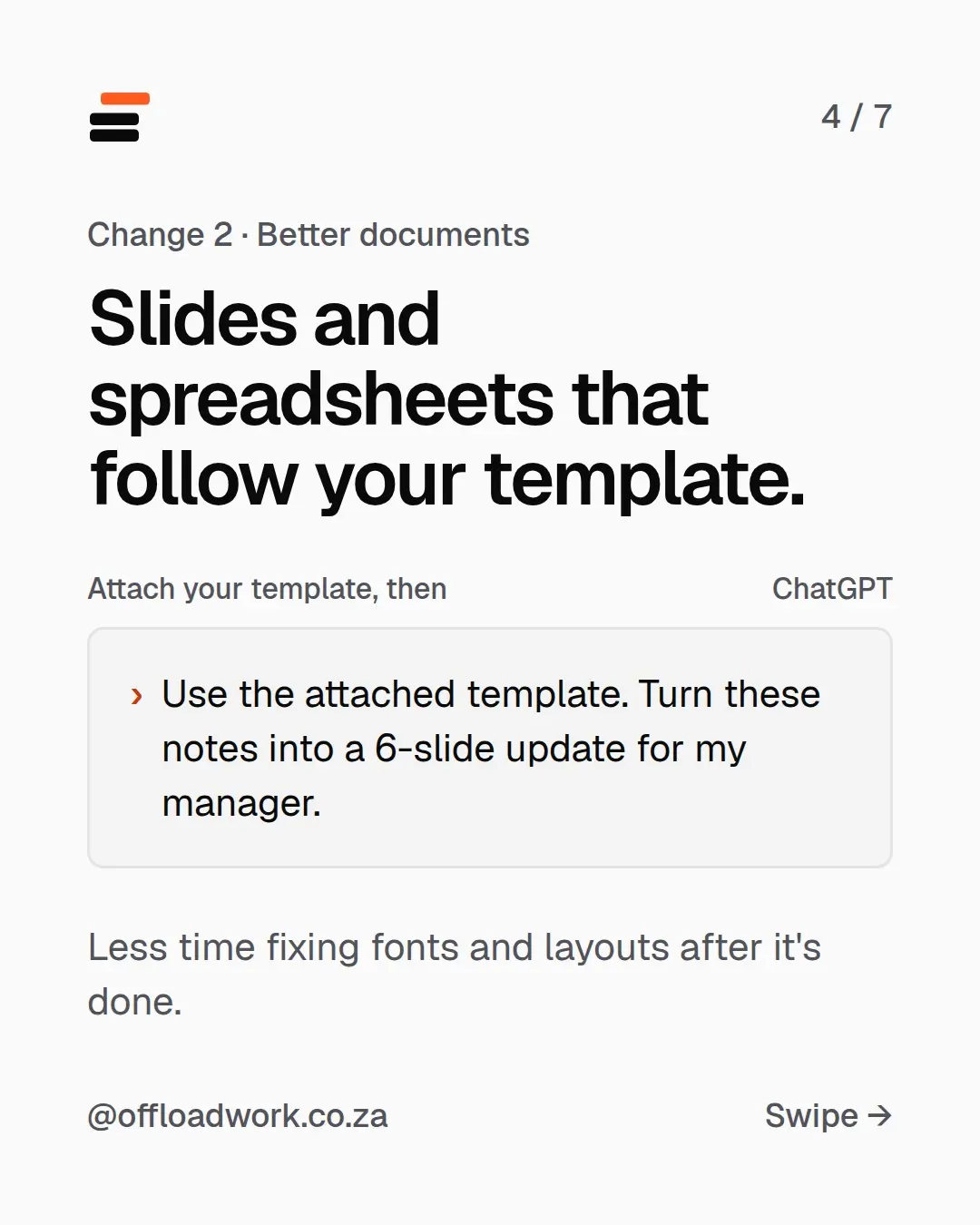
Better documents, in the format your office already uses. Attach your template, then:
Use the attached template. Turn these notes into a 6-slide update for my manager.
The win here is less time fixing fonts and layouts afterwards. The old problem with AI-made slides was that they looked like AI-made slides. Starting from your template keeps your company’s look.
Claude added something similar in September: it can now build a slide deck right in the chat, from messy notes, in three steps. If you have access to both, give them the same notes and see which needs less fixing.
Want the next big release explained like this? Join The Offload, a weekly two-minute email: one AI update in plain words, one workflow to try and one prompt to copy.
Change 3: it asks before it guesses
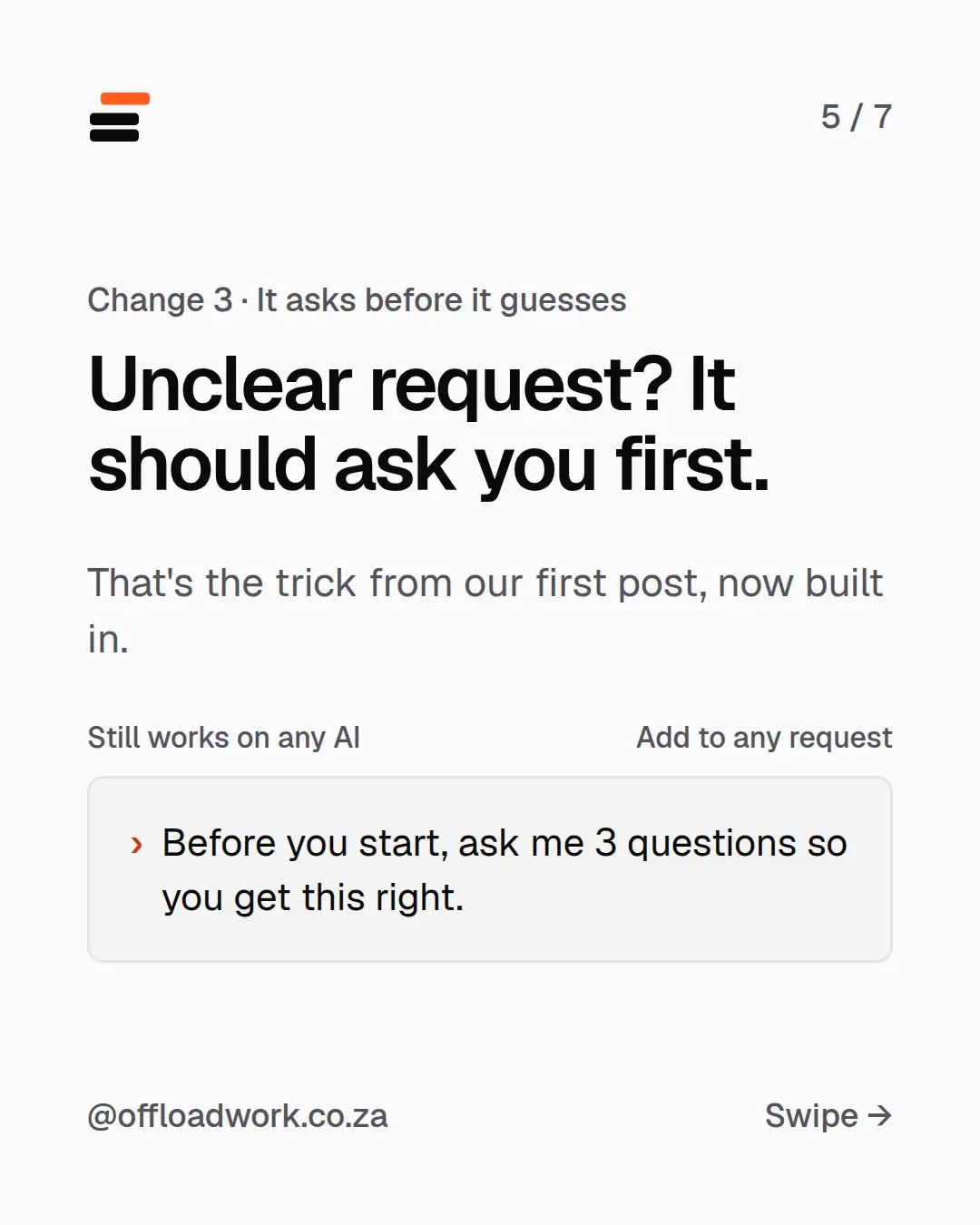
Unclear request? It should ask you first. Instead of guessing what you meant and writing a long, wrong answer, GPT-6 is designed to check.
That’s the trick from our very first post, now built in: ask it to ask you questions. The line still works on any AI, so keep adding it to requests that matter:
Before you start, ask me 3 questions so you get this right.
Should you upgrade? Only if you’ll use it every week
A new model won’t help much if it doesn’t know your job. Most of the difference people feel between “AI is useless” and “AI saves me hours” comes from setup, not the model.
So do this first, on the plan you already have:
- Tell it who you are. Custom instructions carry your job, your tone and your country into every chat. Set them up in five minutes.
- Keep repeat work in Projects. Your template and a good example, ready every time. How to use ChatGPT Projects.
- Use it for a week on real work. If you keep hitting limits, or you need the clicking and template features every week, that’s when an upgrade pays for itself.
Weighing up ChatGPT against Claude before you pay? A tech site ran GPT-6 and Claude Opus 5.5 through five everyday tasks. The result was closer, and more useful, than the headlines.
Get more out of the plan you’re already on
The free AI guide shows you how to set ChatGPT or Claude up for your job, step by step, on the free plans. More releases translated for normal people are in AI news, translated.
Questions
Who gets GPT-6?
ChatGPT Plus, Pro, Business and Enterprise users. OpenAI announced it on 3 September 2026 and calls it its most intelligent model yet.
Is GPT-6 on the free plan?
At launch it went to the paid plans: Plus, Pro, Business and Enterprise. Check the model picker in ChatGPT for what your plan has today.
Should I upgrade to get GPT-6?
Only if you'll use it every week. A new model won't help much if it doesn't know your job, so set up your instructions on the plan you have first, then decide.
Can GPT-6 fill in forms and book things for me?
OpenAI says it's much better at click-around-the-internet jobs like forms, calendars and research. Check what it does before anything is submitted or paid for.